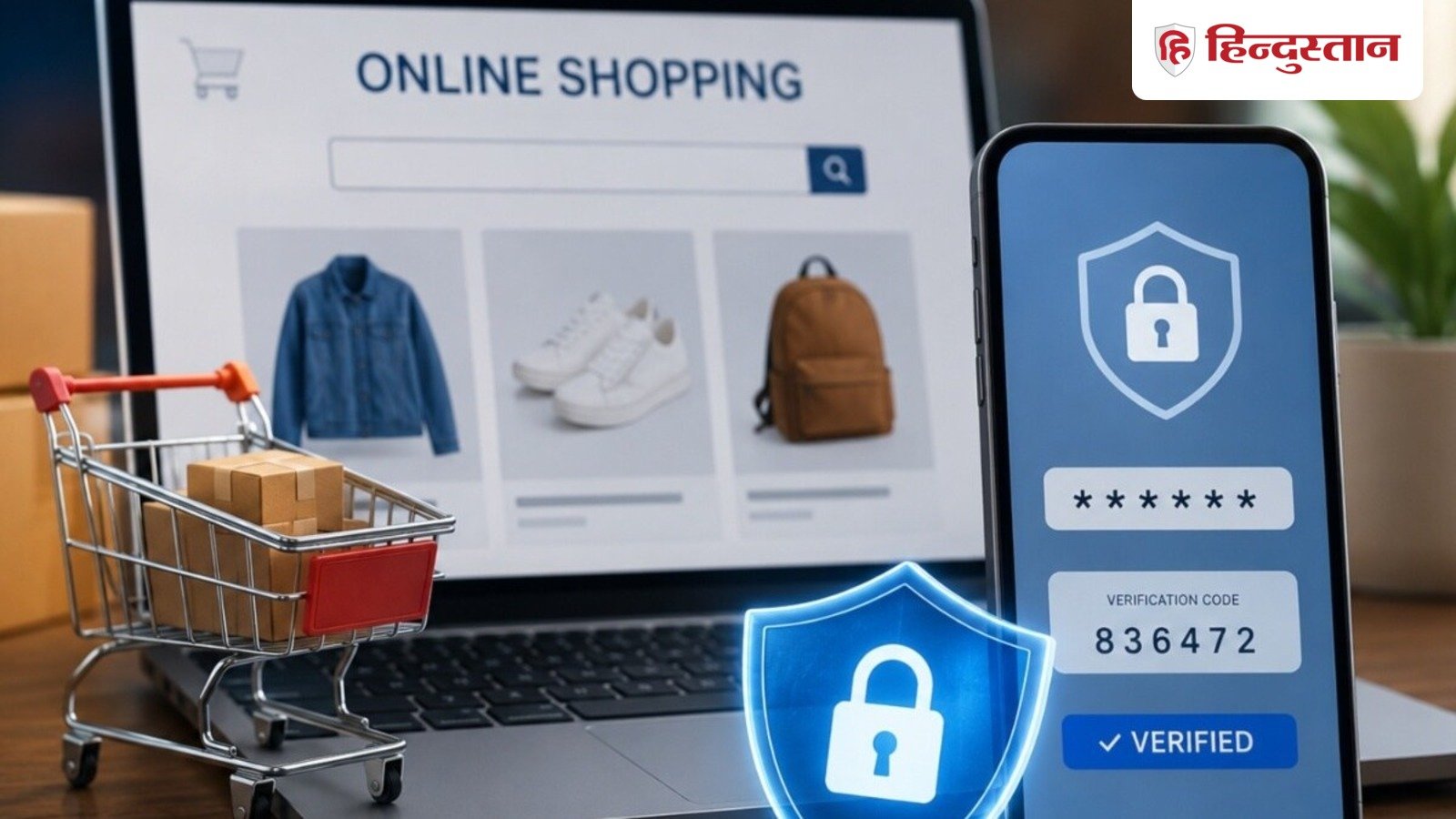
Which settings should always be kept ON while shopping online? Know here 5 important security features, which will help in keeping your bank account, UPI and personal data safe from cyber fraud. You will also be able to do your shopping easily.
Nowadays, most of the people do online shopping and get ration, clothes, shoes, mobile, TV, purse, everything sitting at home. Online shopping has become the first choice of people. When a facility becomes available to the people, it also becomes an opportunity for cyber fraudsters and fraudsters to loot money. You must be reading about cases of online fraud in the news every day, in such a situation it is very important to take some precautions while shopping online. Your smallest carelessness can become a threat to personal information, bank account and your digital wallet. In such a situation, your entire account can become empty within minutes.
If you are fond of online shopping then keep these 5 settings ON
To avoid cyber fraud, you should keep some settings turned on in your online shopping apps. This will keep your shopping and bank account safe. So let us tell you which settings should be kept on while shopping online.
1- Always keep two-factor authentication (2FA) active
For the safety of your online shopping account, first turn on two-factor authentication (2FA). This feature will not verify your identity through OTP or Authenticator app other than the password. With this, even if someone else knows your password, he will not be able to log in. For this, go to Profile/Account — Login & Security or Password & Security of the shopping app, then turn on Two-Step Verification (2FA).
2- Never turn off UPI transaction alerts
Some people turn off or mute UPI transaction alerts because of notifications. Given the scams of today, never make this mistake. With this, information about every transaction is available immediately. If you have not made any payment, you can take immediate action on it. With this, things can be saved before they get damaged.
3- Set app password along with phone password.
Choose a strong phone password. Apart from screen lock or biometric, keep a strong PIN. Along with this, set passwords on some important apps like all shopping apps or payments apps. With this, even if your phone gets hacked, no one will be able to empty your account by misusing these apps.
4- Do not trust public Wi-Fi at all
Public Wi-Fi is like an open field for scammers and they are thinking that as soon as someone makes payment using this Wi-Fi, they will hack the system. Do not open any shopping apps or make bank payments by turning on public Wi-Fi.
5- Security check of shopping website
Nowadays, there are many shopping websites from where people shop. Shopping sites open directly from social media platforms, but check the security before shopping and paying through this website. Search about that website and find out whether it is really genuine or not. In such a situation, your information may also be lost and the goods may not arrive even after payment.